


 Cart
Cart
 Contact
  Region
  Samples
  Stores
  Inspo
Inspo  Showroom
  Home
Home 


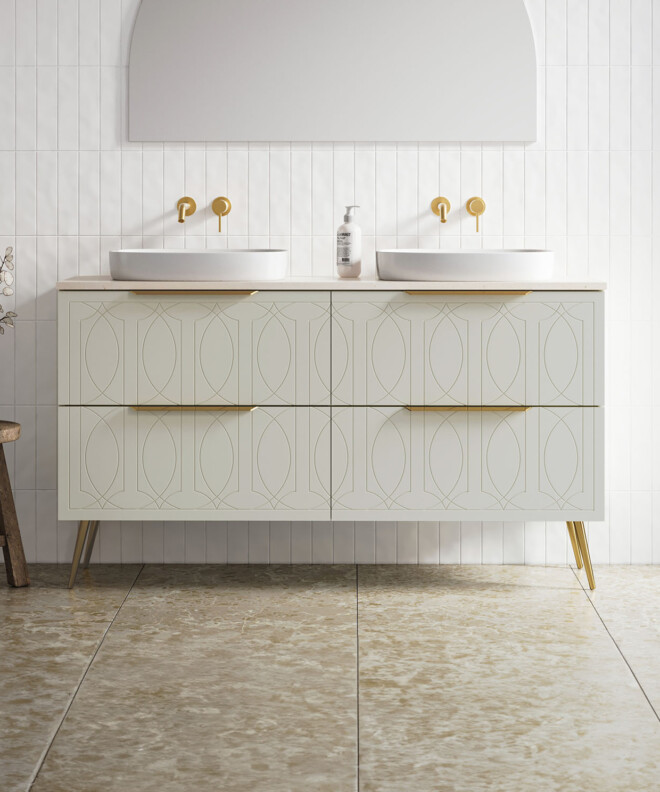
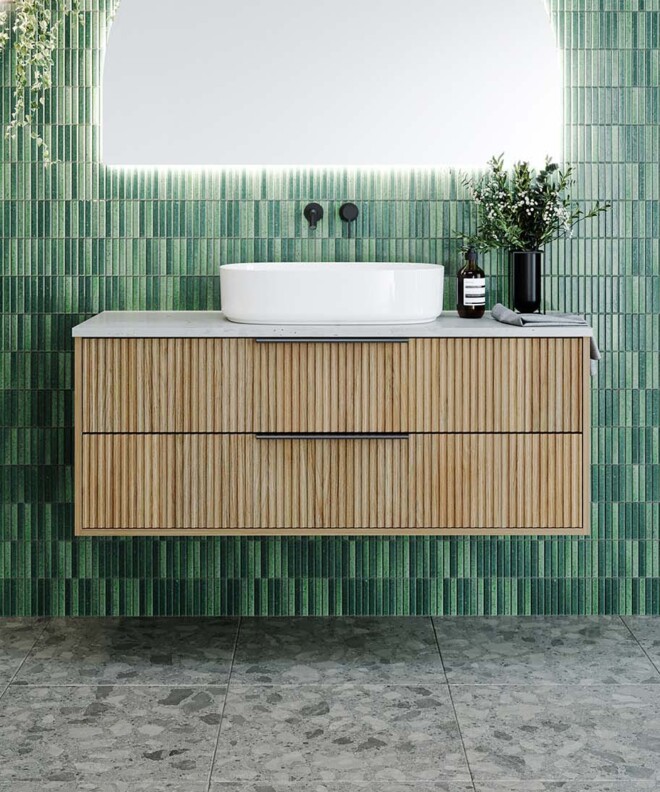
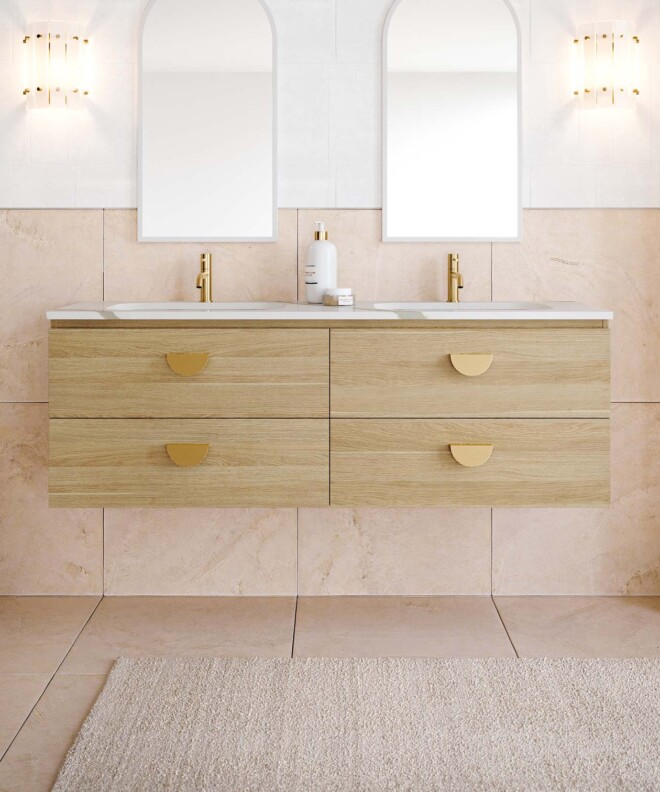
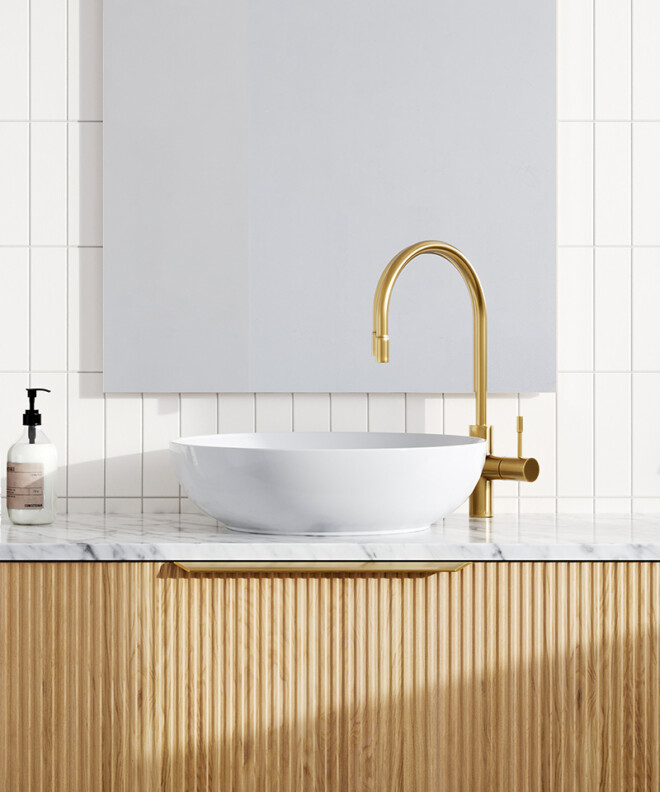
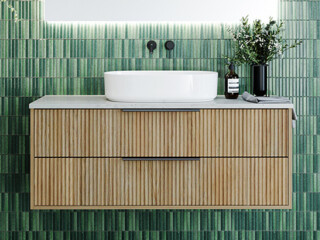
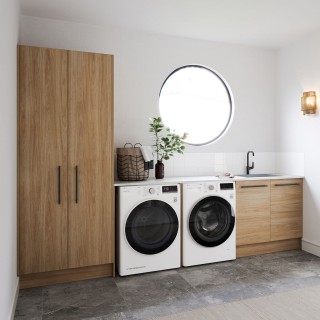
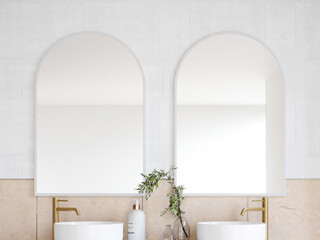
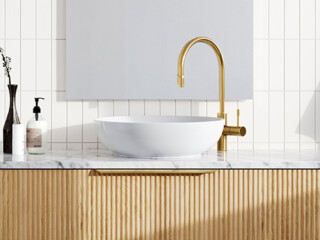
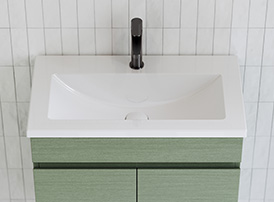
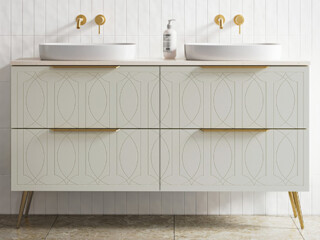
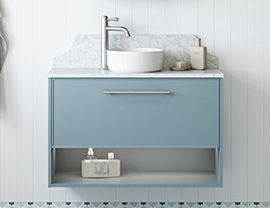




From Amateur to Pro: Bathroom Mood Boards with Style Sourcebook
Good mood boards look effortless. Most aren’t. If yours are missing that polished edge, it’s not about taste, it’s about technique. Here’s how to turn scattered ideas into a bathroom board that actually works.
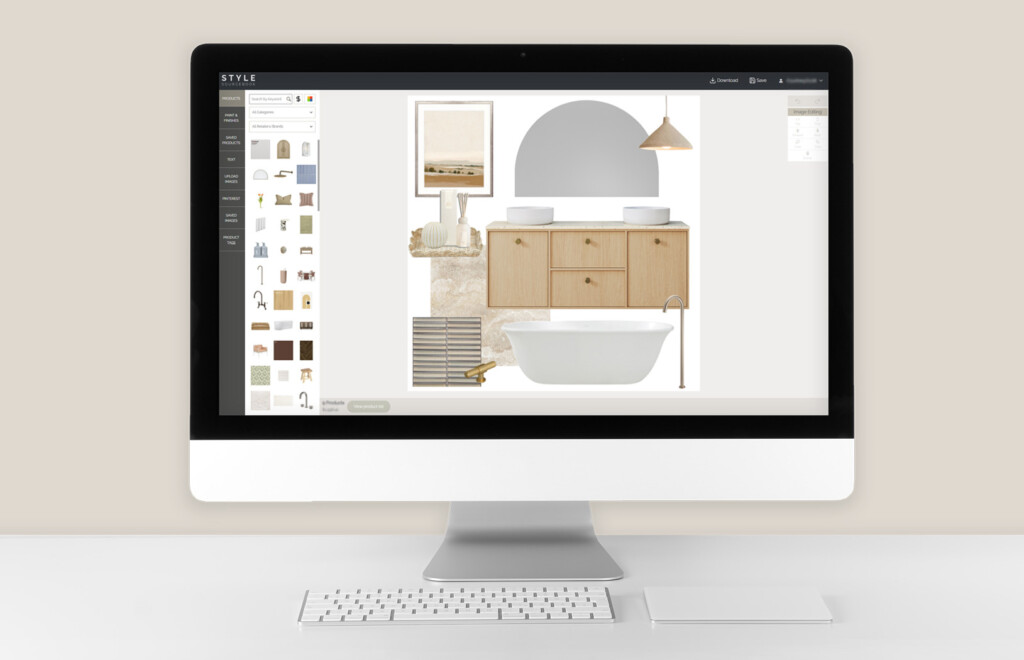
Do you ever look at other mood boards and wonder why yours don’t quite measure up? You start with excitement, pinning ideas and pulling inspiration – only to step back and think… why does this look a bit like a 10-year-old’s scrapbook?
You’re not alone.
Creating a professional-looking bathroom mood board isn’t about “better taste” or expensive software – it’s about knowing how to curate, prioritise and connect elements. In this guide, we’ll show you how to use simple techniques and Style Sourcebook’s built-in tools to create a cohesive, elevated board you can confidently share with friends, trades, or even on social media.
There’s no single “right” way to do it, but these are our go-to tips for consistently polished, designer-worthy results.
1. Choose One Hero Element (and Let Everything Else Support It)
Whether you’re designing a small ensuite or a full family bathroom, the fastest way to make your board look professional is to choose one clear hero element.
This might be:
- A vanity
- A statement tile
- Or even a colour you’re building the space around
If you’re not sure where to start, begin with your vanity. It anchors the room visually and functionally – making it the most natural focal point.
Once you’ve chosen your focal point, every other element should support it – not compete with it.
Mood boards feel overwhelming when too many items fight for attention. You don’t need fewer items; you need hierarchy. Use scale, spacing and placement to guide the eye.
Think of it like interior styling: one feature wall works, four rarely do. The same rule applies to mood boards.

2. Use Style Sourcebook’s Built-In Image Tools
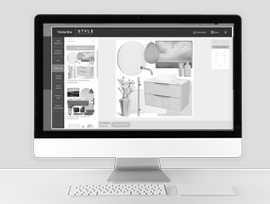
One of the biggest advantages of using a digital mood board platform like Style Sourcebook is access to helpful tools to instantly elevate your board:
- Image flipping to get the right orientation
- Layering tools to bring hero items forward or push background elements back
- Image effects like perspective and shadowing for depth
Our favourite? Remove Background.
Removing backgrounds allows each product to stand alone, making your mood board feel cleaner, more intentional and far more professional.

3. Upload Your Own Images for a Personal Result
Already committed to a tile design? Found the perfect bath elsewhere?
With Style Sourcebook’s Upload Images feature, you can add your own pieces directly into your bathroom mood board, making it more realistic and useful for renovations or real-life planning.

4. Overlap Elements to Show Connection and Intent
A simple way to make your bathroom board feel dynamic is to layer elements. Place a bathmat partially under a vanity, or style décor like candles or plants on surfaces to show how pieces relate in the space.
This balance creates flow, connection and visual rhythm – and stops your board feeling flat or disjointed.

Why Create a Mood Board in the First Place?
A good mood board is more than inspiration – it’s a decision-making tool.
Creating one before you spend a cent helps you:
- Clarify your style and direction
- Avoid costly impulse purchases
- Commit confidently to finishes and products
- Communicate your vision clearly with others
It also becomes a reference you can shop with, share digitally, or revisit if doubts creep in. For many homeowners, that clarity is the biggest confidence boost of all.
Style Sourcebook is a free online mood board creator that helps homeowners make confident, design-savvy decisions. Explore finishes, tapware, tiles, mirrors and more to create a professional bathroom board – then share it on social media and tag us so we can see your design come to life! And if you’re staring at a blank canvas and not sure where to start, we’ve created a series of mood board templates to kick things off.
Products Featured
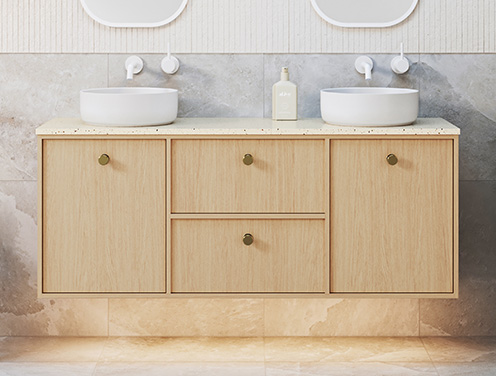
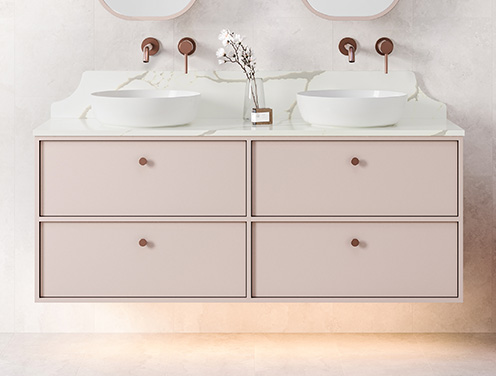
View Taro - NEW Vanities
Related Stories
- Inspiration
- October 2025
Here’s How to Create a Warm Mediterranean-Inspired Bathroom
Looking to create a bathroom that feels like a quiet escape to somewhere sun-drenched and timeless? This style draws inspiration from the warm, rustic beauty found across southern Europe – think earthy colours, natural textures, and handcrafted details. Here’s how to bring the look to life in your own home.
- Inspiration
- February 2025
Why You Should Renovate Your Bathroom in 2025
If your bathroom feels outdated, lacking in functionality, or simply isn’t working for your needs anymore, it might be time for a refresh.
- Inspiration
- December 2024
Holiday-Ready Bathrooms: Preparing Your Home for Guests
The holidays are coming, bringing friends, family, and a bit of chaos! As you prep your home for guests, don’t overlook the bathroom. Here are some easy, stylish tips to get it holiday-ready and make a great impression.
